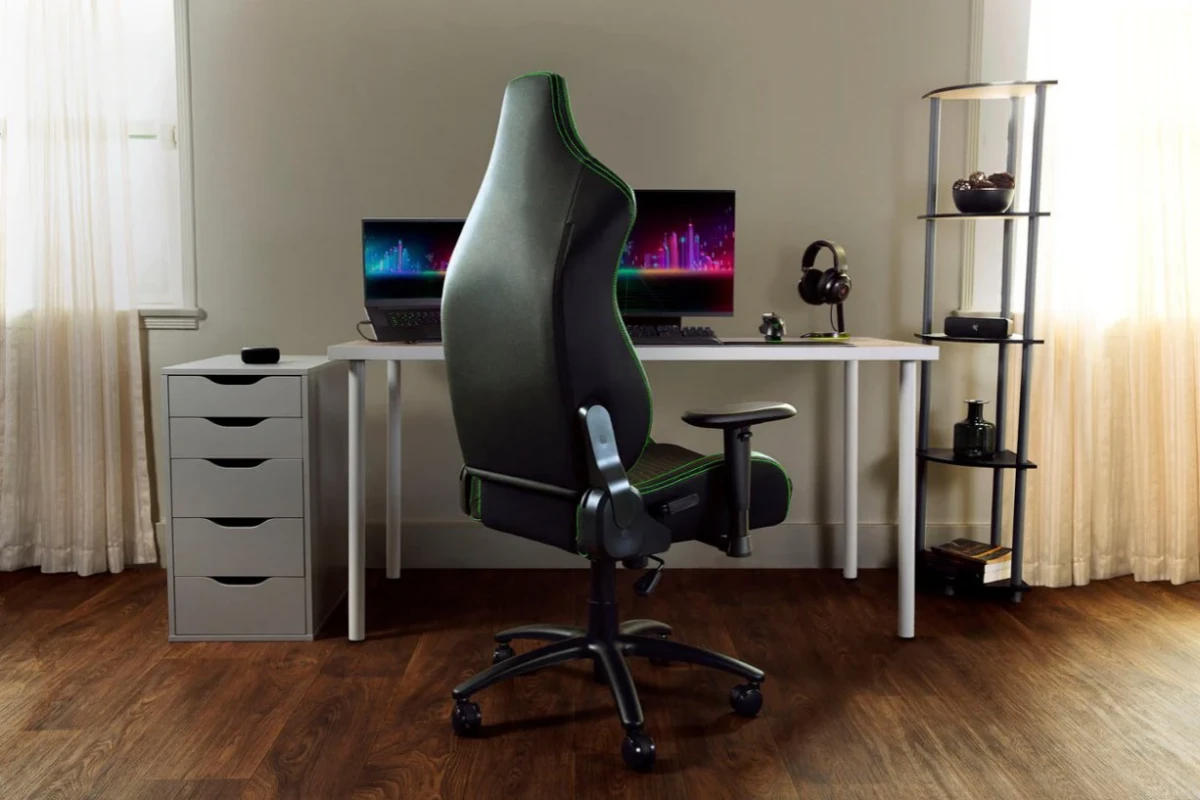
Back pain is a common issue among gamers who spend extended hours sitting in front of their screens. The good news is that there are several effective solutions to alleviate and prevent back pain.
Invest in an Ergonomic Game Chair
One of the most crucial steps to combat back pain is investing in an ergonomic game chair. These chairs are designed to support proper posture and reduce the strain on your back.
Lumbar Support: An ergonomic game chair typically features built-in lumbar support that follows the natural curve of your spine. This support is essential for preventing lower back pain.
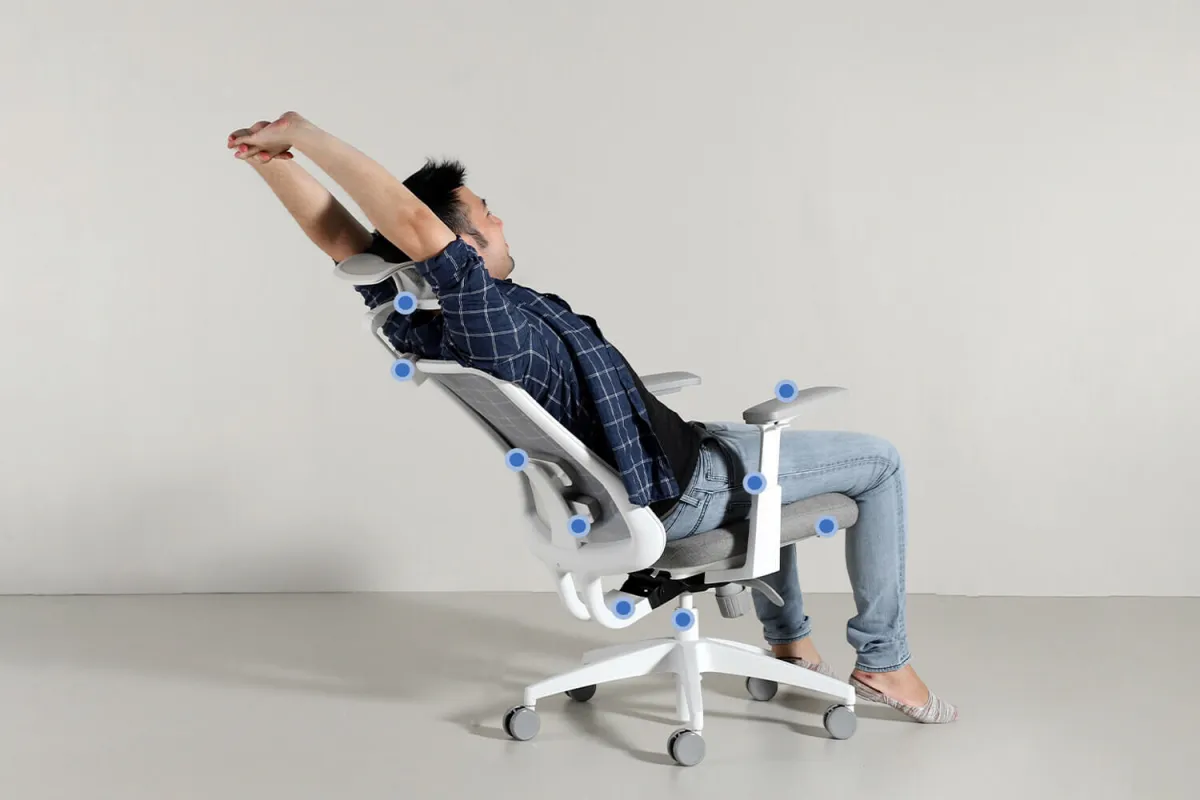
Adjustability: Look for a chair with adjustable height, armrests, and recline features. Being able to customize your chair ensures that it fits your body perfectly, providing the best support.
Padding and Comfort: Quality padding can make a significant difference in comfort levels. Memory foam or high-density padding can help distribute your weight evenly, reducing pressure points.
Maintain Proper Posture
Even with an ergonomic game chair, maintaining proper posture is essential to prevent back pain.
Sit Back in Your Chair: Ensure that your back is fully supported by the chair’s backrest. Avoid slouching or leaning forward, which can strain your spine.
Feet Flat on the Ground: Your feet should rest flat on the ground or on a footrest. This helps maintain proper alignment of your spine and reduces pressure on your lower back.
Elbows at a Right Angle: Adjust your chair height so that your elbows are at a 90-degree angle when using your keyboard and mouse. This position helps prevent strain on your shoulders and upper back.
Take Regular Breaks
Prolonged sitting can exacerbate back pain. Taking regular breaks to stand, stretch, and move around is vital.
Follow the 20-20-20 Rule: Every 20 minutes, take a 20-second break to look at something 20 feet away. This helps reduce eye strain and encourages you to shift your sitting position.
Stretching Exercises: Incorporate stretching exercises into your routine. Focus on stretches that target your back, neck, and shoulders. Simple stretches like the cat-cow pose or seated spinal twists can relieve tension and improve flexibility.
Short Walks: Taking short walks around your room or house can help improve circulation and reduce stiffness. Aim to walk for at least 5 minutes every hour.
Optimize Your Gaming Setup
Your gaming setup can significantly impact your posture and comfort. Make sure your equipment is arranged to promote a healthy posture.
Monitor Height: Your monitor should be at eye level, about an arm’s length away from you. This setup prevents you from tilting your head up or down, which can strain your neck and upper back.
Keyboard and Mouse Position: Place your keyboard and mouse close enough that you don’t have to reach for them. Your arms should remain relaxed and close to your body.
Desk Height: Ensure your desk height allows you to maintain the proper elbow angle. If your desk is too high or too low, it can cause you to adopt awkward postures.
Strengthen Your Core Muscles
A strong core can provide better support for your spine and reduce the risk of back pain. Incorporate core-strengthening exercises into your fitness routine.
Planks: Planks are an excellent exercise for strengthening your core muscles. Aim to hold a plank position for 30 seconds to a minute, gradually increasing the duration as your strength improves.
Bridges: Bridge exercises target your lower back and glutes, helping to build stability and support for your spine.
Supermans: Lying face down, lift your arms and legs off the ground simultaneously. This exercise strengthens your lower back muscles and improves overall posture.
Use Additional Support
Sometimes, additional support can make a significant difference in preventing back pain.
Lumbar Cushions: If your chair lacks adequate lumbar support, consider using a lumbar cushion. These cushions can provide extra support to maintain the natural curve of your spine.
Seat Cushions: A seat cushion can improve your chair’s comfort and reduce pressure on your tailbone and lower back.
Footrests: If your feet do not reach the ground comfortably, use a footrest to maintain proper posture and reduce strain on your lower back.
Back pain from gaming can be a significant issue, but it is manageable with the right strategies and equipment. Investing in an ergonomic game chair, maintaining proper posture, taking regular breaks, optimizing your gaming setup, strengthening your core, and using additional support can all contribute to a more comfortable and healthy gaming experience. By following these tips, you can enjoy your gaming sessions without compromising your back health.
PDF: What Helps With Back Pain From Gaming: Effective Solutions for Gamers